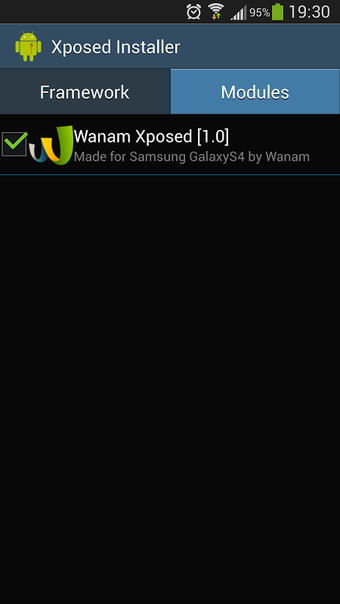
Deep system tweaks for Samsung phones using Xposed
Customizes status bar alignment, lock screen rotation, notification panel transparency and system UI elements by hooking into Android at runtime. Wanam Xposed, from developer Wanam, targets Samsung owners who want system-level changes without flashing a custom ROM. The module exposes hundreds of runtime switches for camera, call, and reboot behaviour, and requires a rooted device with the Xposed Framework. It suits power users who accept the rooting and framework prerequisites.
How the module alters core system behaviour
Wanam Xposed applies hooks into the Android runtime so settings change without replacing firmware, letting you modify the status bar, lock screen, notification panel and system UI directly. The module supplies toggles for clock alignment, battery icon styles, hidden lock-screen shortcuts and expanded volume panels, which changes the delivered system output rather than overlaying an app-level skin.
What a typical professional workflow looks like
The app fits workflows where technicians or enthusiasts need repeatable system tweaks across devices: install Xposed, enable the module, then toggle options for camera behaviour, call recording, and reboot menus. Settings persist at system level, so teams that prepare devices for demos or testing can apply consistent UI and functional configurations across Samsung stock-based ROMs.
Installation, learning curve, and required skills
Requires root and the Xposed Framework, which introduces setup steps outside standard app installs; prior experience with rooting and module activation is necessary. The interface exposes many granular switches rather than guided wizards, so non-technical users face a steep onboarding path unless they follow community guides or already manage rooted devices.
Compatibility, limits, and operational reliability
The module is optimised for Samsung TouchWiz and One UI environments and may only partially work on other brands, as noted by device-specific optimisation. It supports camera tweaks like disabling the shutter sound and low-battery flash, and the developer notes stability from community testing; features tied to older Android releases may not apply to the latest builds.
Who should use Wanam Xposed and when to avoid it
Wanam Xposed suits Samsung power users and technicians who need deep, repeatable system changes without flashing custom firmware, provided they accept rooting and Xposed. It is not appropriate for casual users who lack experience with rooted environments or who need a simplified, guided setup. For device preparation and advanced UI tweaks, the app performs reliably within its stated Samsung-focused scope.